
Peer Support Group Facilitator Tool · iOS 17+
HoldSpace
The quiet toolkit for peer support group facilitators. Manage groups, schedule meetings, track attendance, and stay connected with members — without requiring them to install anything. It's built for the facilitator; members participate entirely by email.
The idea
HoldSpace is built for the facilitator, not the group. You manage everything; members never touch the app.
Facilitator-first
Members participate entirely by email — there's nothing for them to install or sign up for. You manage the roster, the meetings, the curated library, your notes, and the follow-ups that keep you on track.
Private by design
Your data syncs privately across your own devices through iCloud — encrypted by Apple, in your own Apple account, never on a HoldSpace server. No HoldSpace account, no analytics, no ads. Email goes through your device's Mail app; HoldSpace has no mail backend of its own.
A look inside
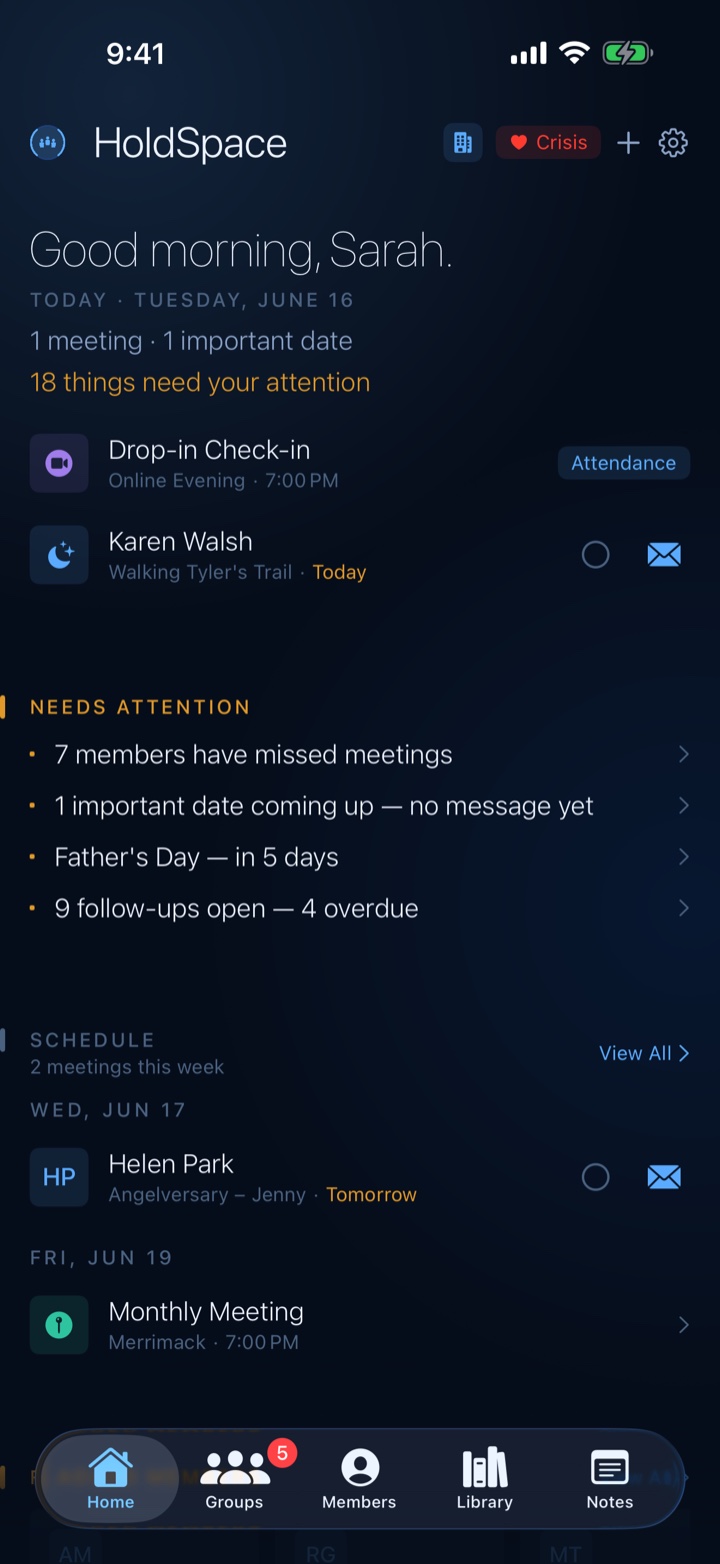
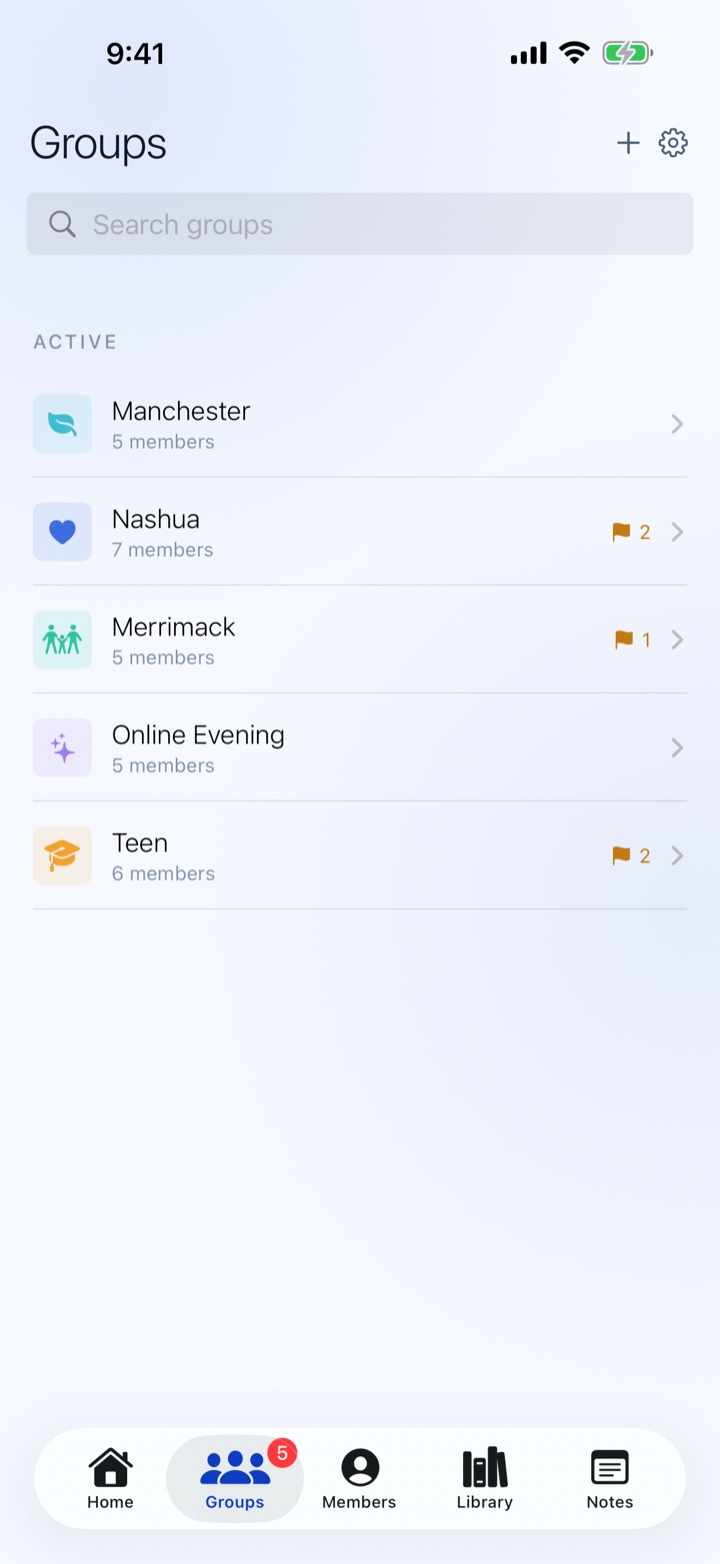
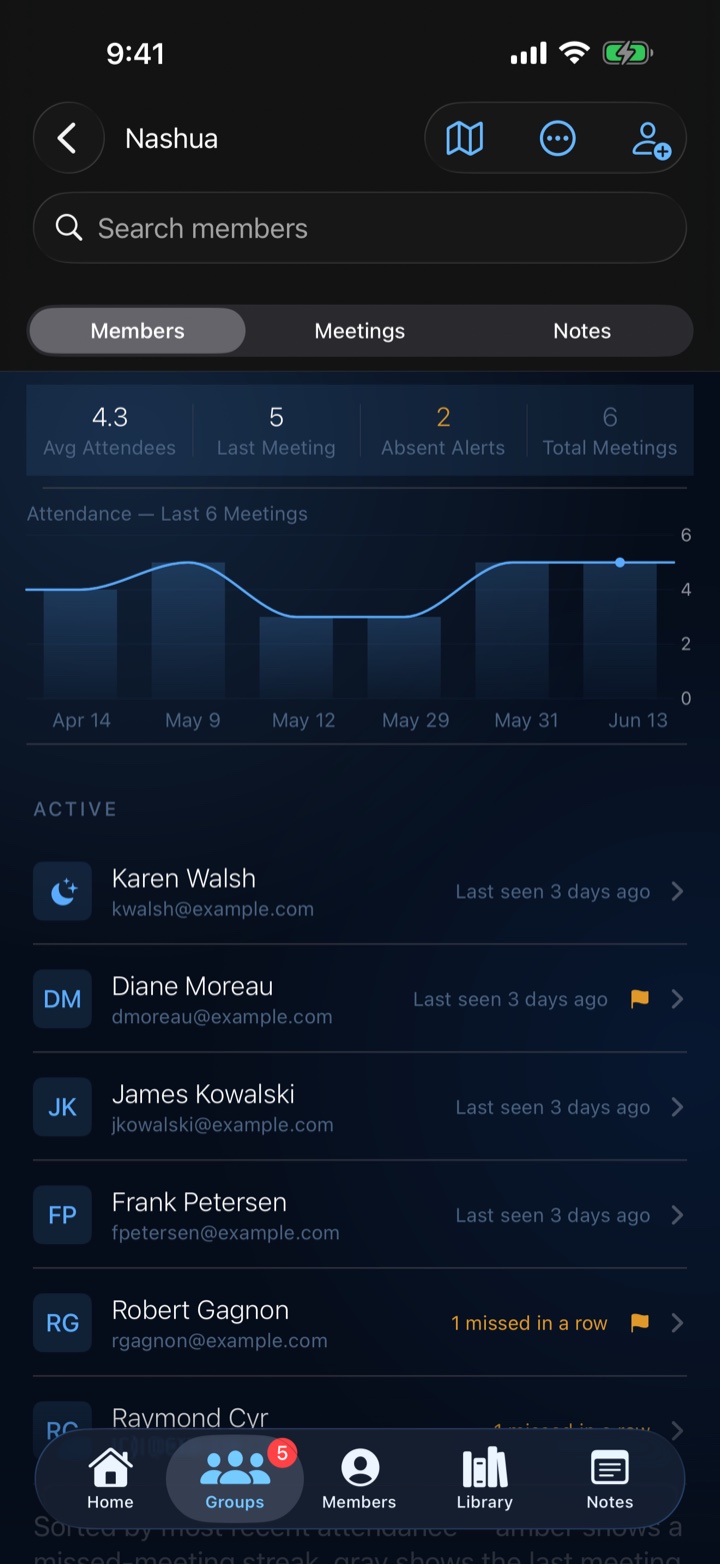
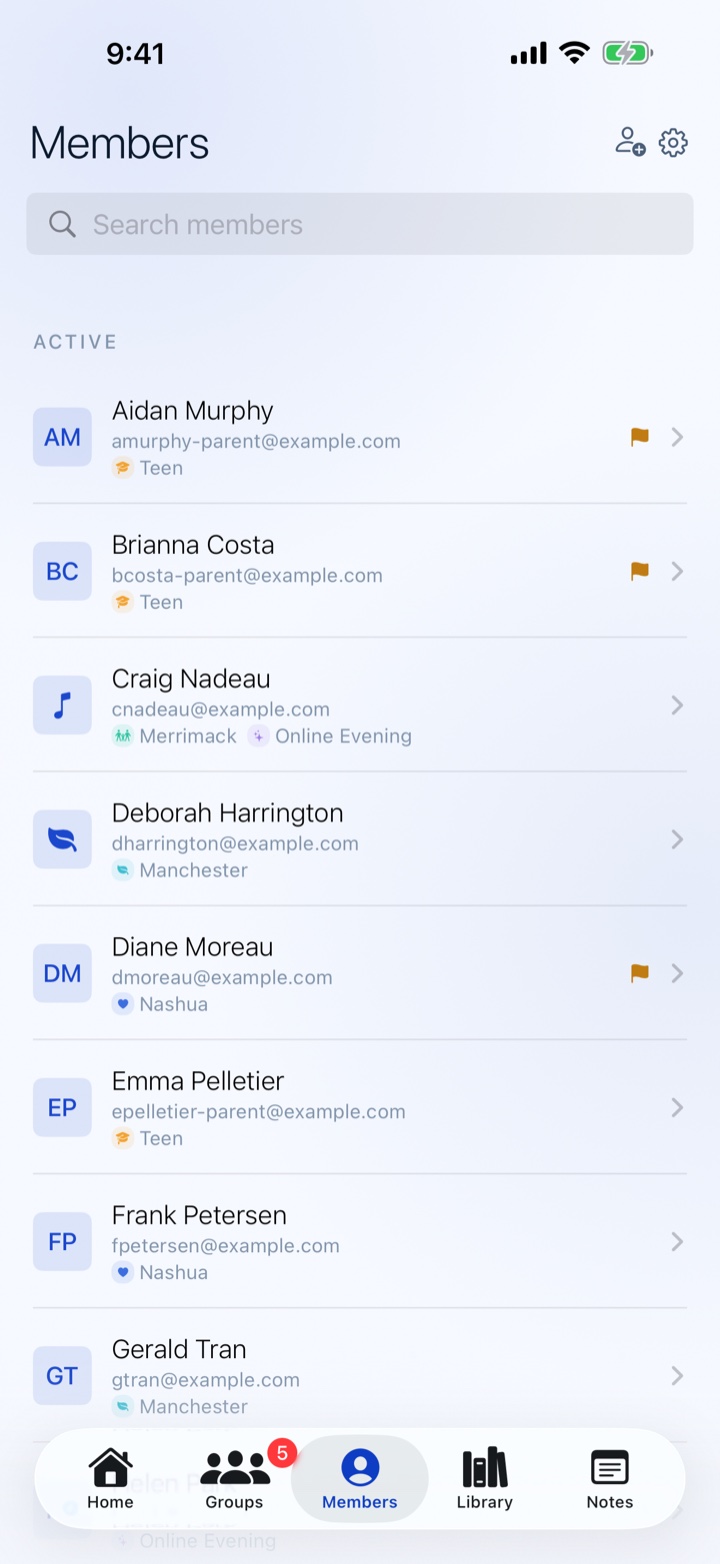
What HoldSpace does
Keep the group moving
- Multiple support groups, each with its own roster, color, and icon
- One-off or recurring meetings — weekly, biweekly, or monthly
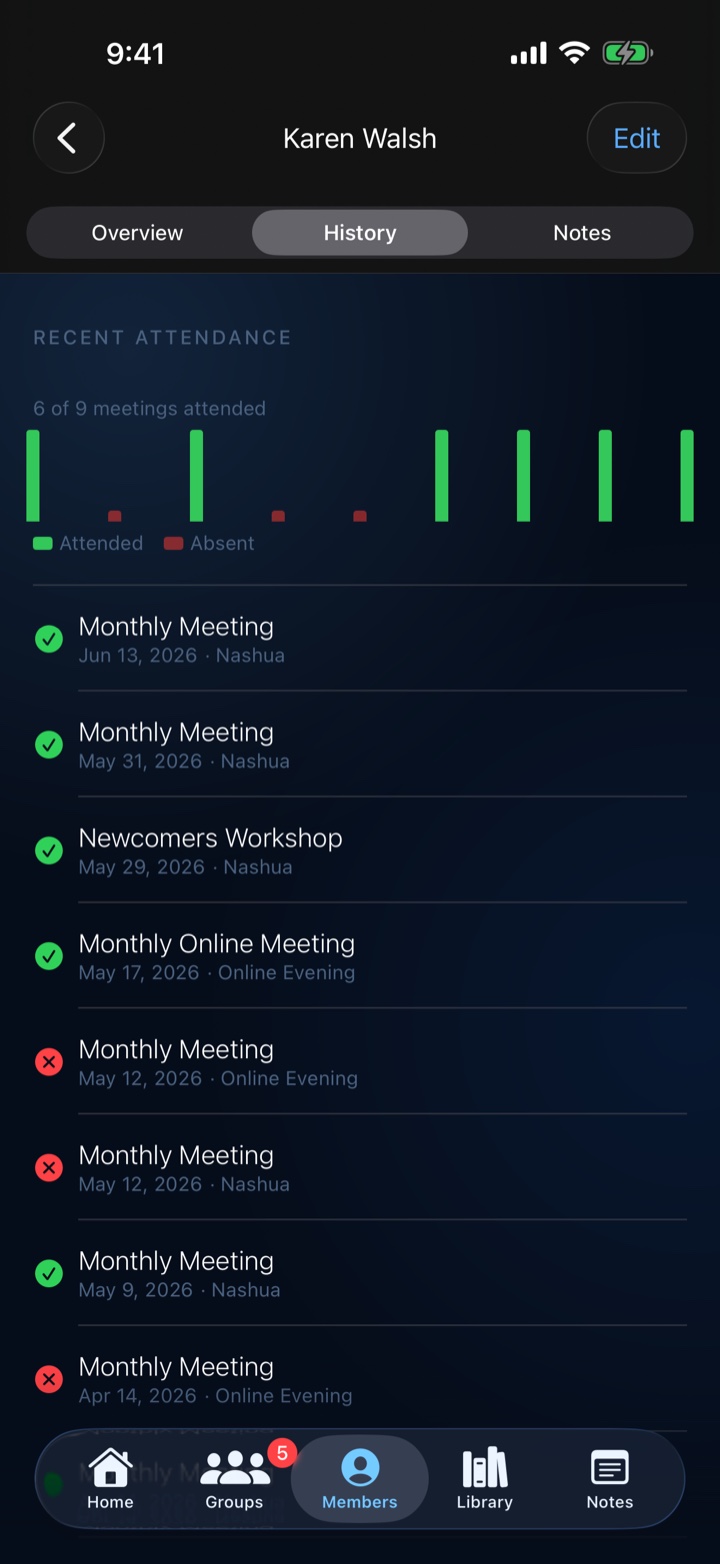
- Attendance tracking with per-meeting reading lists and discussion prompts
- Limited-invite or open meetings, with local reminders before each one
Keep in touch
- Members with photo, pronouns, contact preferences, and important dates
- A contact log of every interaction
- Compose messages from templates with merge fields, sent via your Mail app
- Message a whole group at once — HoldSpace drafts it and BCCs the roster
Keep notes & follow-ups
- Dated notes attached to any group, meeting, member, or your whole organization
- Follow-up tasks with due dates, urgency, and local reminders
- A Needs Attention card surfaces slipping members and approaching anniversaries
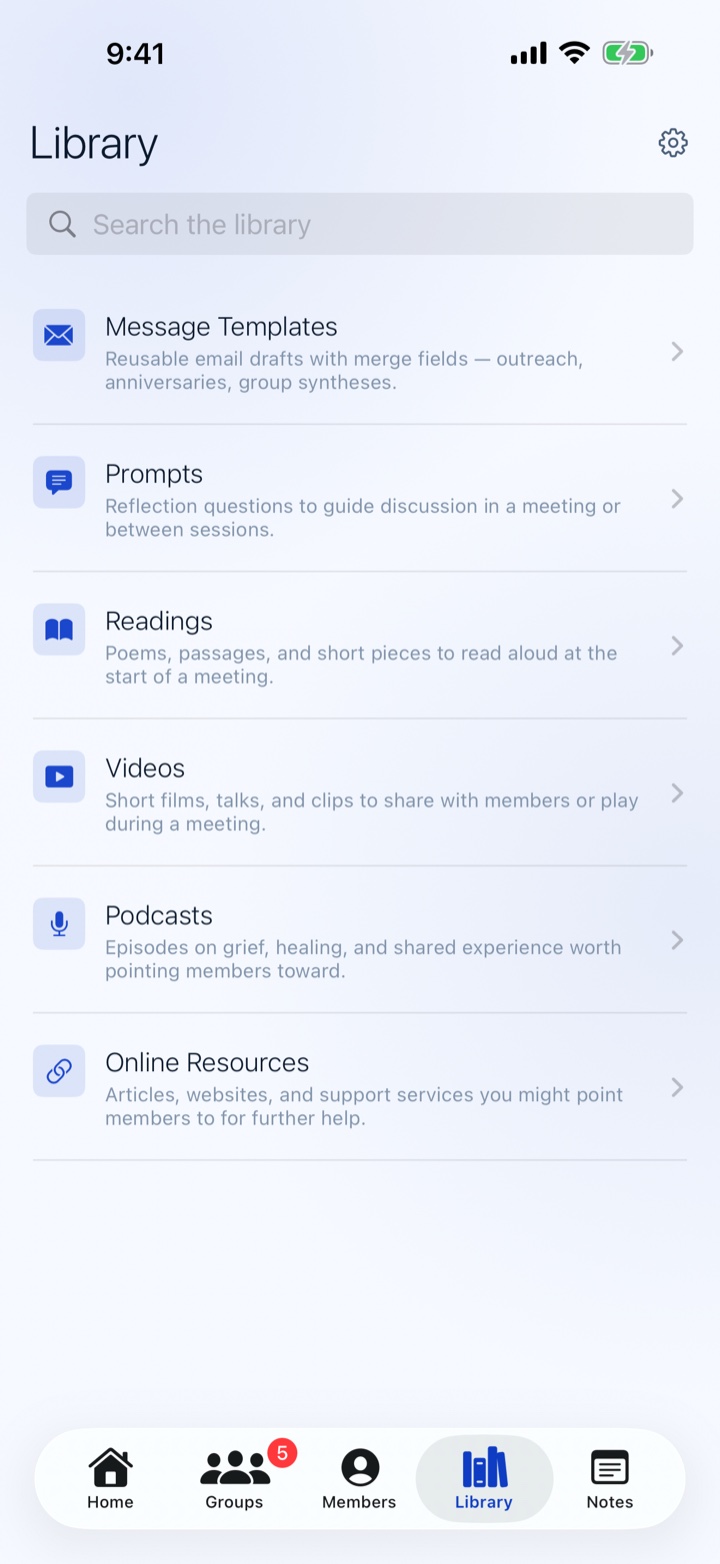
- A curated library plus printable meeting reports and per-item PDF handouts
Share the work
- Your data syncs privately across your own devices through iCloud — encrypted by Apple
- Share an organization with co-facilitators — its groups, members, meetings, and notes sync between you
- Your personal library stays private to you
- A private crisis protocol is always one tap away
Free, in full
HoldSpace is free, with no in-app purchases and no subscriptions. There's no Pro tier and nothing held back — the audience is grief-support facilitators, not a market to upsell. Every feature above is included.
Questions
What is HoldSpace for?
HoldSpace is a tool for facilitators running peer support groups. You manage members, schedule meetings, keep a contact log, draft messages to members from templates, and curate a library of templates, prompts, readings, videos, podcasts, and online resources. Members never use the app — they participate by email.
Can members log in to HoldSpace?
No. HoldSpace is facilitator-only. Members participate entirely through email. You compose messages in HoldSpace — drafting from templates with merge fields — and HoldSpace opens your mail app with the recipient and text ready to go; you send it from there. Members reply to you by email.
How does messaging work?
Because members participate by email, HoldSpace drafts the message and hands it to your Mail app to send — HoldSpace has no email backend and never transmits a message itself. You can message a single member, or a whole group at once (every member added as a blind copy). Once sent, HoldSpace logs that it went out so it shows in the member's timeline and the Group Report.
How do I schedule a meeting?
Open a group and tap New Meeting for a one-off, or create a meeting series for recurring meetings (weekly, biweekly, or monthly). Series generate individual meetings automatically; you can still edit, cancel, or delete any one of them. Each meeting can carry an invitee list, attached readings and prompts, and a printable report that doubles as a sign-in sheet.
Can multiple facilitators share one organization?
Yes. Open Manage Current Organization and tap Share Organization to invite a co-facilitator. They'll get the organization's groups, members, meetings, and notes synced to their device, and the two of you can co-edit. Sharing uses Apple's built-in iCloud sharing, so it stays private to the people you invite — NorthPack never sees it. Your personal library is yours alone and is never shared.
Where is my data stored?
On your device, and synced privately to your own iCloud. HoldSpace uses Apple's CloudKit, which keeps your data in your personal iCloud account — encrypted by Apple and tied to your Apple ID. There is no HoldSpace account and no HoldSpace server, and there are no analytics. If you're not signed into iCloud, HoldSpace simply keeps everything on your device and syncs once iCloud is available.
Is HoldSpace really free?
Yes — free, with no in-app purchases and no subscriptions. There is no Pro tier; every feature is included for everyone.
What is sample data?
When you first open HoldSpace with no groups, the welcome screen offers an opt-in "Try with sample data" link that loads a bundled sample — example organizations with groups, members, meetings, contact history, and library content — so you can poke around before committing real data. Sample data lives only in memory and is discarded when you exit sample mode or relaunch.
Requirements
- Platform
- iPhone & iPad
- iOS version
- iOS 17 or later
- Sync
- Your own private iCloud
- Price
- Free · no in-app purchases
Coming soon to the App Store.
Coming to the App StoreFree · no in-app purchases · no account, no HoldSpace server