
Personal Net Worth Tracker · iOS 17+
Netto
A calm, private net worth tracker. Netto doesn't connect to your bank — no Plaid, no aggregators, no account. You add your accounts and log balances yourself, and Netto turns those numbers into a clear, plain-language picture of where you stand and where you're headed.
The idea
Most money apps want your banking credentials and turn your finances into an anxiety dashboard. Netto is the opposite: a quiet check-in with your money.
Private by design
Your accounts and balances live on your device and sync through your own private iCloud. NorthPack Studios has no servers and never sees your data — there are no bank logins to breach, no analytics, and nothing to sign up for.
Calm, not anxious
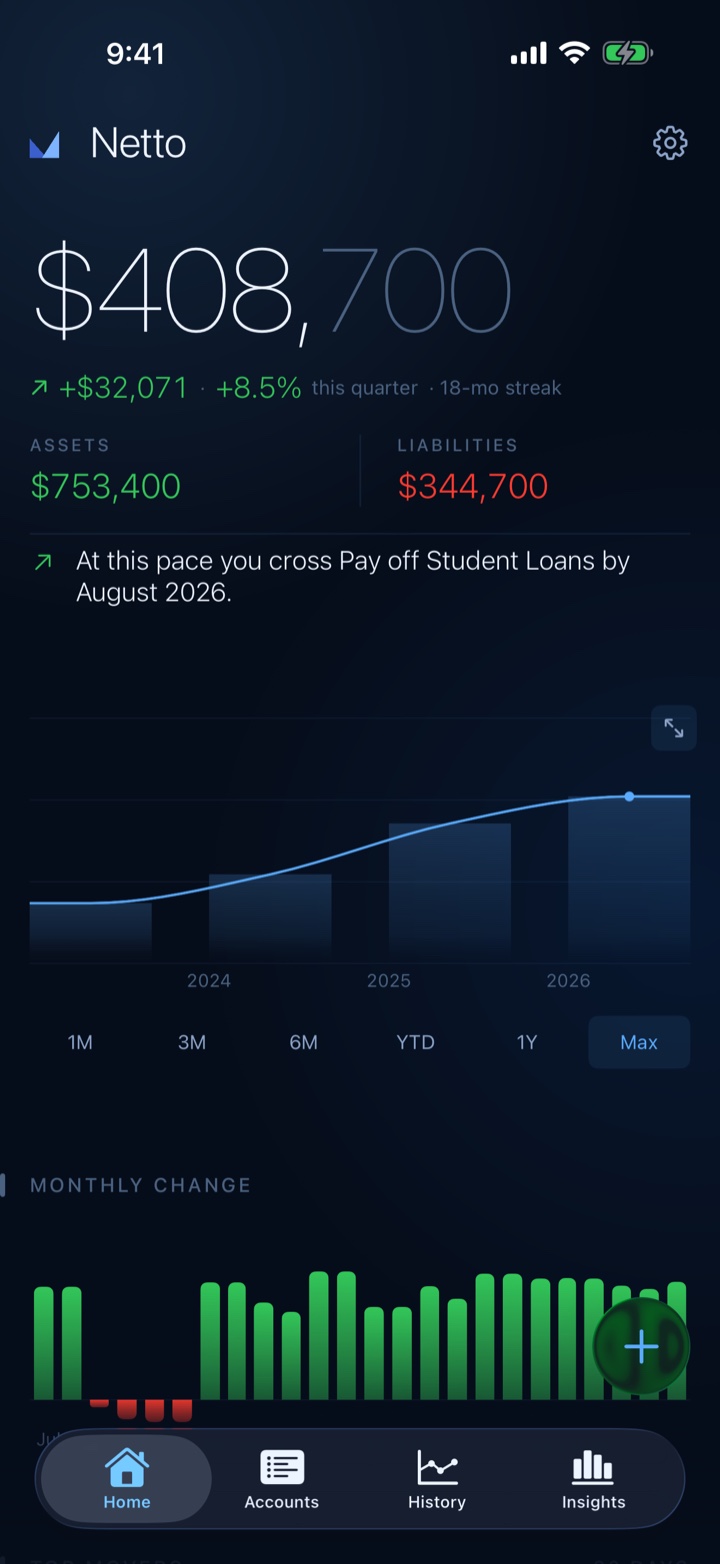
Instead of another chart to worry over, Netto reads your numbers back to you in plain language — "You're up $4,200 this quarter" — and greets you with a short, once-a-month check-in on how things are trending.
A look inside
What Netto does
Private by design
- No bank logins, no Plaid, no aggregators, no account — you enter balances yourself
- Your data stays on your device and syncs only through your own private iCloud
- No analytics, no ads, no third-party tracking; works fully offline
- Optional Face ID / Touch ID lock keeps your balances behind biometrics
A calmer way to track
- Narrative insights turn your numbers into sentences — "You're up $4,200 this quarter"
- A once-a-month check-in with a plain-language read on how things are going
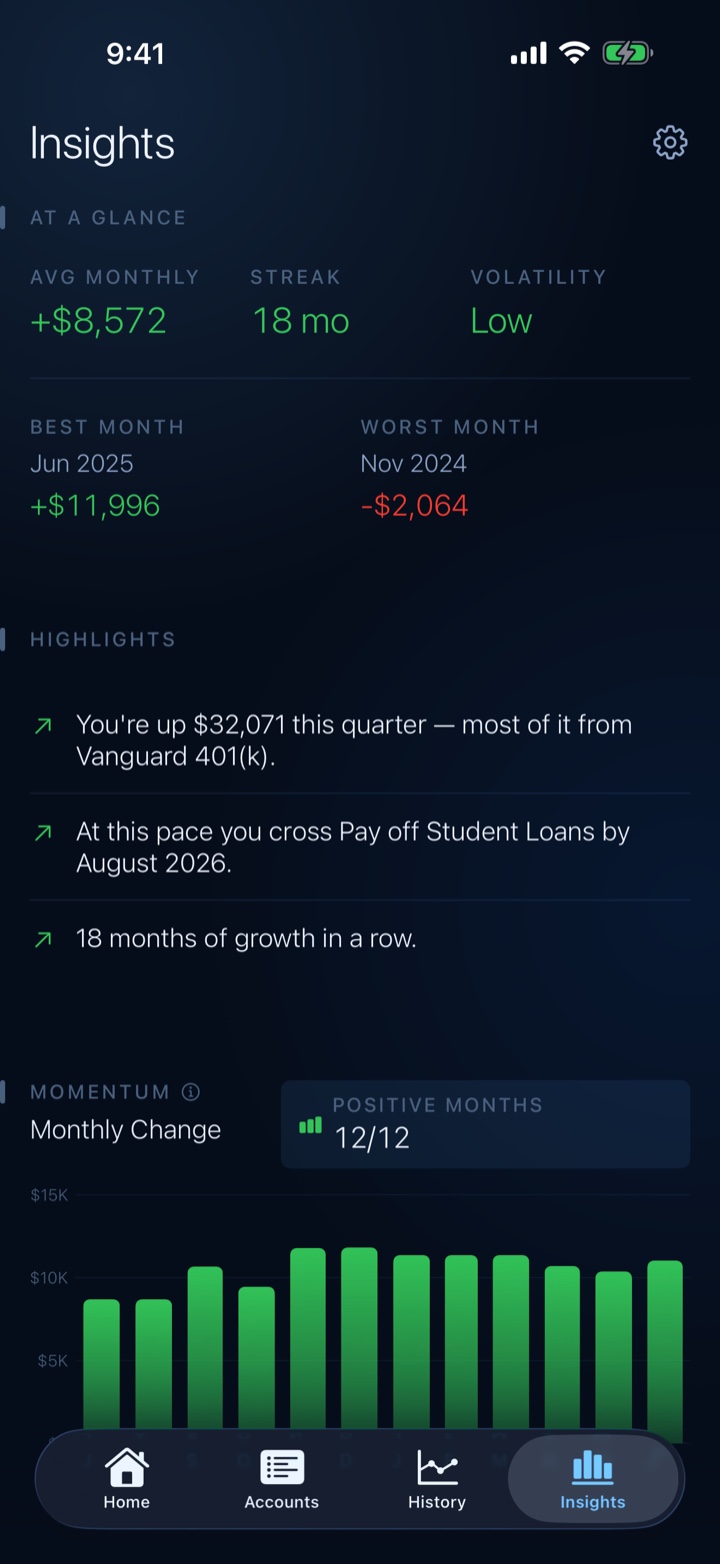
- An Insights screen that opens with plain-language highlights above the charts
Capture every balance
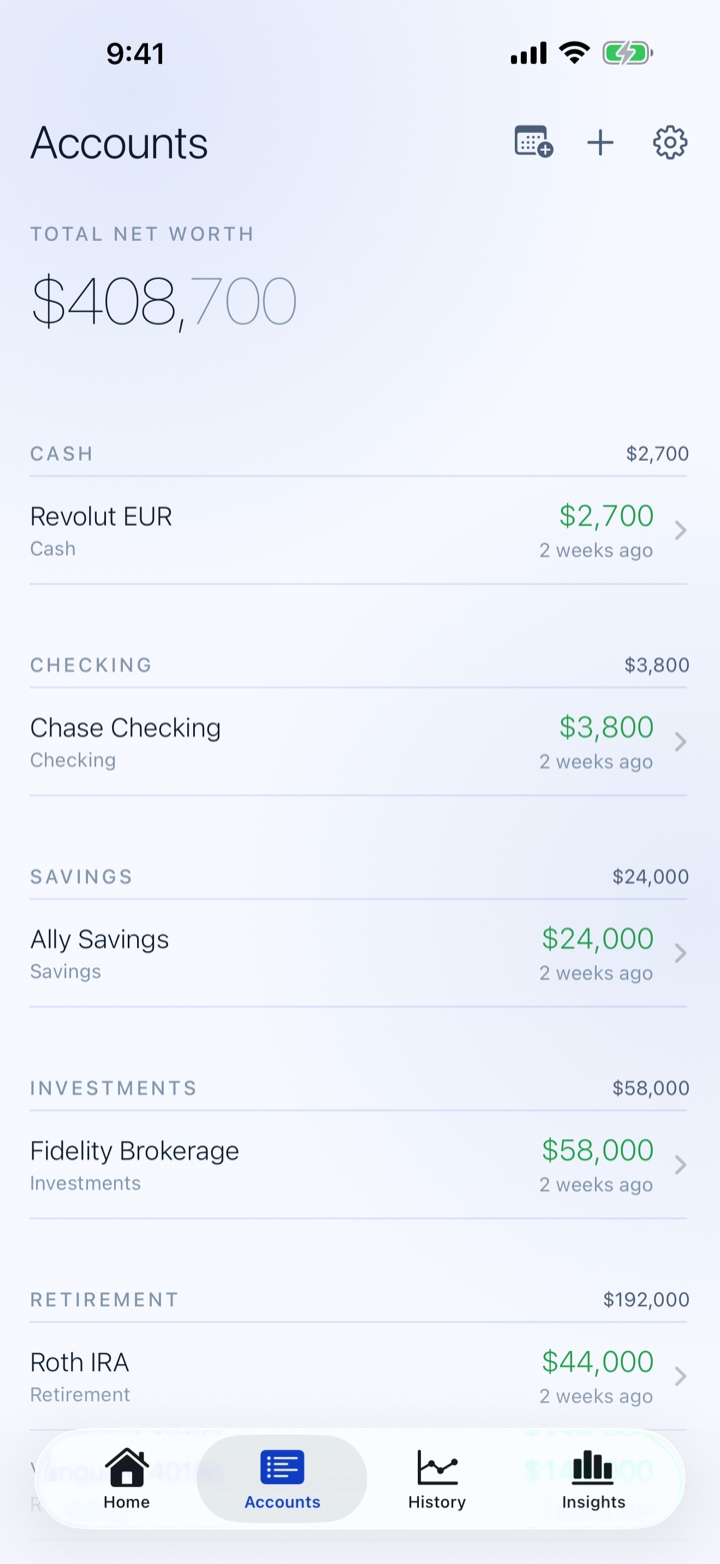
- Add asset and liability accounts — cash, investments, property, loans, anything
- Balance Scanner reads a number straight from a statement or app screen with your camera — on-device, nothing leaves your phone
- Multi-currency accounts with a single display currency
- CSV import & export (free), and Recently Deleted restores an account within 30 days
See your trajectory
- Home dashboard: current net worth, quarter change, a growth-streak badge, a highlighted insight, 90-day trend, top movers, and your next milestone
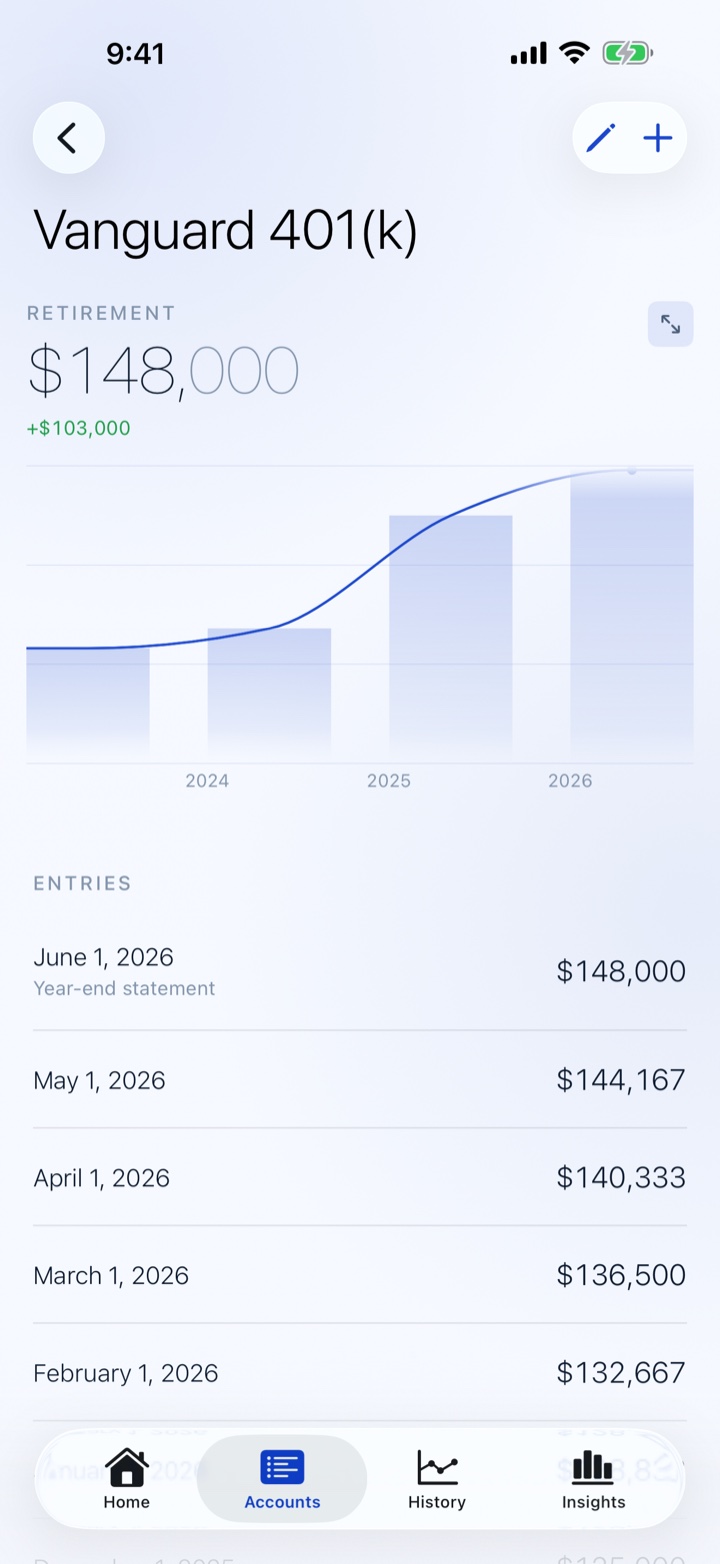
- Tap any chart to expand it full-screen — high, low, average, change and growth stats, peak & trough marks, and drag to compare any two dates
- Home Screen and Lock Screen widgets, with amounts redacted while your phone is locked
Free & Netto Pro
Netto is free and genuinely useful on its own. Netto Pro is a one-time purchase — no subscription, unlocked forever for your Apple ID.
Free
Always free
- Unlimited accounts and balance entries
- Home dashboard with 90-day trend, top movers & milestone preview
- Narrative insights on Home and the monthly check-in
- Balance Scanner (camera capture)
- CSV import & export
- Multi-currency, Face ID lock, Net Worth widget, Recently Deleted
Netto Pro
$9.99 · one-time, no subscription
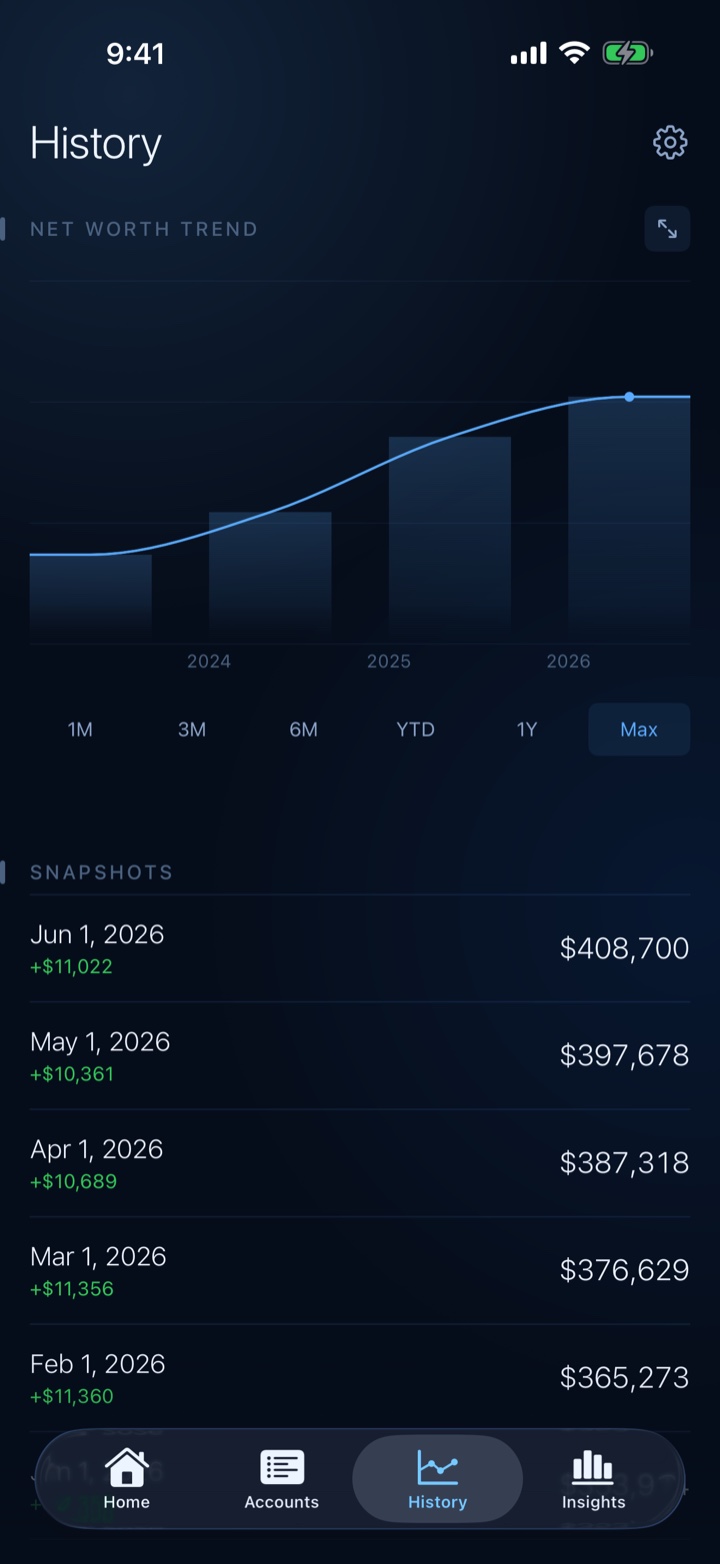
- History tab — full balance history with range filters
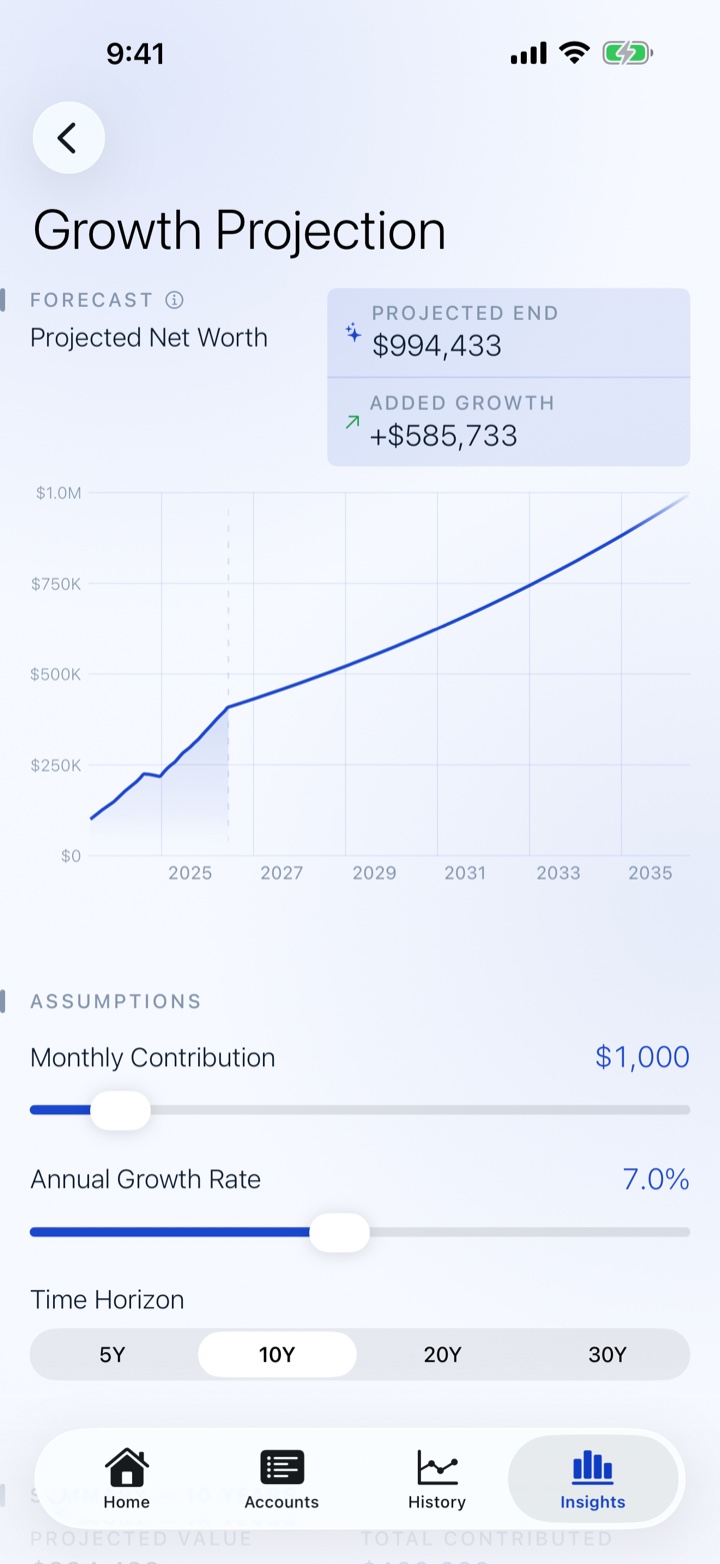
- Insights — monthly trends, projections, milestones & allocation health
- Bulk Entry across every account on one date
- PDF reports
- Custom account categories
- Entry reminders
- Siri & Shortcuts actions and Share Sheet quick capture
- 90-Day Trend widget
Questions
Does Netto connect to my bank?
No — and that's by design. Netto has no bank logins, no Plaid, and no aggregators. You add accounts and log balances yourself (the camera scanner makes that quick), so your banking credentials never leave your hands and there's nothing for a third party to breach.
Where is my data stored?
On your device and, if iCloud is enabled, in your private iCloud account. NorthPack Studios LLC cannot access your financial information — there are no servers involved.
Does Netto collect or share my data?
No. Netto does not collect, transmit, or share any personal or financial data. There are no analytics, ads, or third-party tracking of any kind.
Is Netto Pro a subscription?
No. Netto Pro is a one-time purchase, unlocked permanently for the Apple ID that bought it. There's no recurring charge and nothing to cancel, and it can be restored on any device signed in to the same account.
What's included in Netto Pro?
The History and Insights tabs (full history, monthly trends, projections, milestones and allocation health), Bulk Entry, PDF reports, custom account categories, entry reminders, Siri & Shortcuts actions with Share-Sheet quick capture, and the 90-Day Trend widget. CSV import/export and Data Management are free for everyone.
Can I export my data?
Yes — CSV import and export are free for all users, under Settings → Data Management. PDF reports require Netto Pro. All files are generated locally on your device.
Can I track accounts in different currencies?
Yes. Each account can be assigned its own currency, and Netto converts all balances to your chosen display currency using a built-in set of exchange rates included in the app version you're running (there's no live network fetch).
What is sample data?
When you first open Netto with no accounts, the welcome screen offers an opt-in "Try with sample data" link that loads a bundled demo dataset — twelve accounts across three years — so you can explore the whole app before committing real numbers. Sample data lives only in memory, never syncs to iCloud, and is discarded when you exit sample mode or relaunch.
Does Netto have a widget?
Yes. The Net Worth widget (free) shows your current net worth on the Home Screen and Lock Screen; the 90-Day Trend widget (Netto Pro) adds a medium-size trend chart. Amounts are marked privacy-sensitive, so iOS blurs them while your device is locked.
Requirements
- Platform
- iPhone & iPad
- iOS version
- iOS 17 or later
- Sync
- Your own private iCloud
- Price
- Free · Pro $9.99 once
Start watching your net worth grow.
Download on the App StoreFree to download · one-time Pro unlock · no subscription, no account